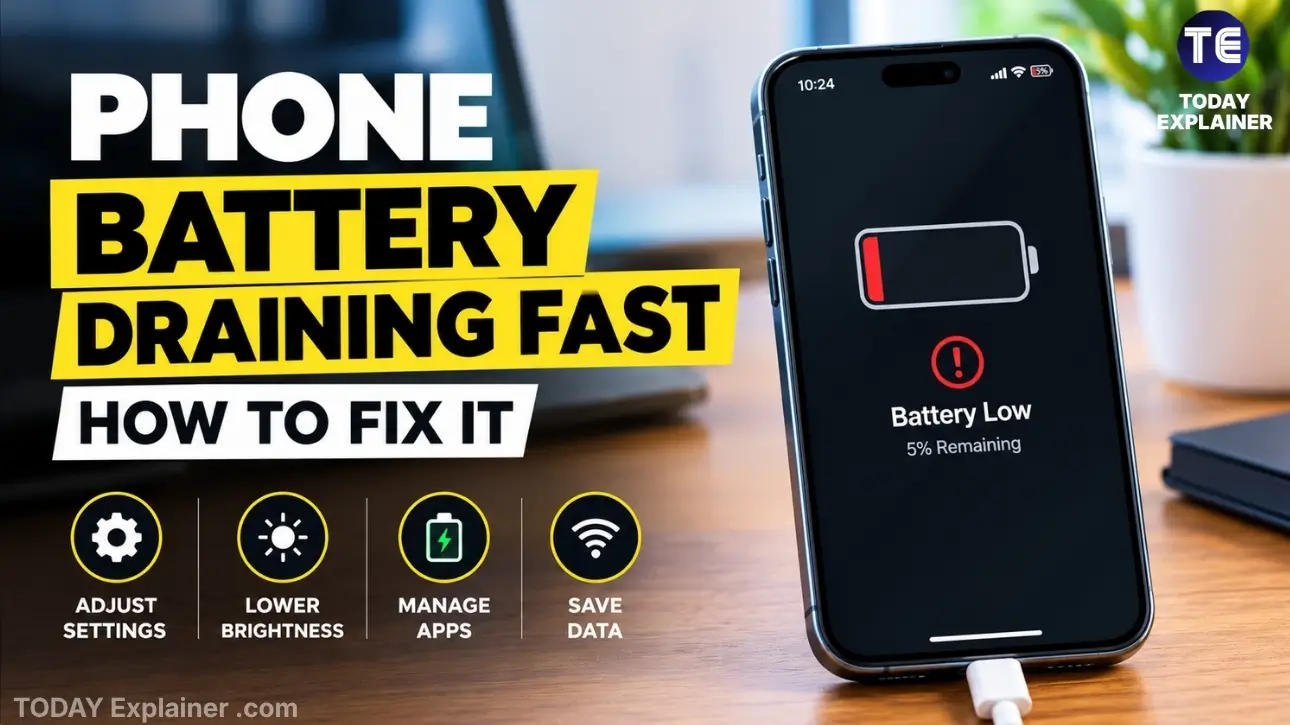
If your phone’s battery is draining faster than it used to, it’s usually one of a handful of causes — and most are fixable in a few minutes. Before you assume the battery itself is dying, run through these fixes first.
Here’s what actually helps, starting with the quickest wins.
Common Causes of Fast Battery Drain
A few things account for most battery complaints:
- Apps running in the background and refreshing constantly
- Screen brightness set too high, or an always-on display
- A weak signal, which forces the phone to work harder to connect
- Location services running for apps that don’t need them
- An aging battery that no longer holds a full charge
- A recent software update with a bug (this happens more often than people expect)
Fix #1: Check Which Apps Are Draining Your Battery
Both iPhone and Android show a battery usage breakdown by app. On iPhone, it’s under Settings > Battery. On Android, it’s under Settings > Battery > Battery Usage. Look for anything unexpected near the top of the list — a social media app or game using far more battery than you’d think is a common culprit. If you find one, either limit its background activity or uninstall it.
Fix #2: Turn Off Background App Refresh
Apps that refresh in the background stay updated even when you’re not using them, and that costs battery. On iPhone, go to Settings > General > Background App Refresh and turn it off for apps you don’t need updating in real time. On Android, go to each app’s settings and disable “Allow background activity” for non-essential apps.
Fix #3: Lower Screen Brightness and Timeout
The screen is usually the single biggest battery drain on any phone. Turn on auto-brightness, or manually lower it a notch from where you’d normally keep it. Also shorten your screen timeout to 30 seconds, so the display isn’t staying lit longer than it needs to.
Fix #4: Limit Location Services
Location tracking running in the background for apps you rarely open adds up over a day. Check Settings > Privacy > Location Services (iPhone) or Settings > Location > App Permissions (Android), and switch anything non-essential to “While Using the App” instead of “Always.”
Fix #5: Update Your Software
Software bugs after a major update are a known cause of sudden battery drain, and they’re usually fixed within a few weeks. Check for a pending update under Settings > Software Update (iPhone) or Settings > System > System Update (Android). If your battery got worse right after an update, this is worth checking first.
Fix #6: Turn Off Push Email and Reduce Notifications
If your phone checks multiple email accounts constantly, that adds up. Switch from “push” to “fetch” every 30–60 minutes in your mail settings. Cutting down on notification-heavy apps in general — anything that buzzes or lights up the screen often — also helps, since each alert wakes the screen.
Fix #7: Avoid Extreme Temperatures
Batteries degrade faster in heat, and they also drain faster when they’re cold. Leaving your phone in direct sun, on a car dashboard, or in a hot pocket while it’s doing something processor-heavy (like navigation) speeds up both battery drain and long-term wear. Keep it out of direct heat where you can, especially while charging.
Fix #8: Check Your Battery Health
If none of the above fixes make a real difference, the battery itself may be the issue. On iPhone, check Settings > Battery > Battery Health & Charging — anything under 80% capacity is a reasonable point to consider a swap. On Android, similar info is often available through the phone maker’s app or a third-party tool like AccuBattery. You can check your battery health for the exact steps on your model.
When It’s Time to Replace the Battery
A battery naturally loses capacity over time — that’s expected, not a defect. But if your phone is regularly dropping below 20% by early afternoon with normal use, or shutting down unexpectedly at 15-20%, that’s a sign the battery has worn down enough to replace. Most phone makers and third-party repair shops can swap a battery in under an hour, and it’s usually far cheaper than buying a new phone. In the meantime, a good portable charger is a reasonable stopgap.
Our Verdict
If your battery drain started suddenly, check for a recent software update or a newly installed app first — that’s the most common cause and the easiest to fix. If the drain has been gradual over a year or more, it’s more likely the battery itself wearing down, and a battery health check will confirm it. Either way, work through the settings fixes above before spending money on a replacement or a new phone.
FAQ
Is it normal for my phone battery to drain faster over time? Yes. Lithium-ion batteries lose capacity gradually with each charge cycle. Most phones are rated to hold around 80% of their original capacity after two to three years of normal use.
Does closing background apps actually save battery? Not usually, and it can sometimes use more battery by forcing the app to fully reload each time you open it. Disabling background refresh for specific apps is more effective than manually closing them.

Why is my battery draining fast even in low power mode? If low power mode isn’t helping, the cause is often a single app misbehaving in the background, a weak cell signal, or a battery that’s genuinely worn down. Check the battery usage breakdown to narrow it down.
Does phone overheating affect battery life? Yes — heat is one of the fastest ways to degrade battery capacity long-term, and it also increases drain in the short term as the phone works to manage the temperature. See our guide on phone overheating for more.
Should I let my phone battery drain to 0% before charging? No. Regularly draining a lithium-ion battery all the way down actually speeds up wear. Keeping it roughly between 20% and 80% is better for long-term battery health.

Have a fix that worked for you that isn’t on this list? Let us know in the comments.