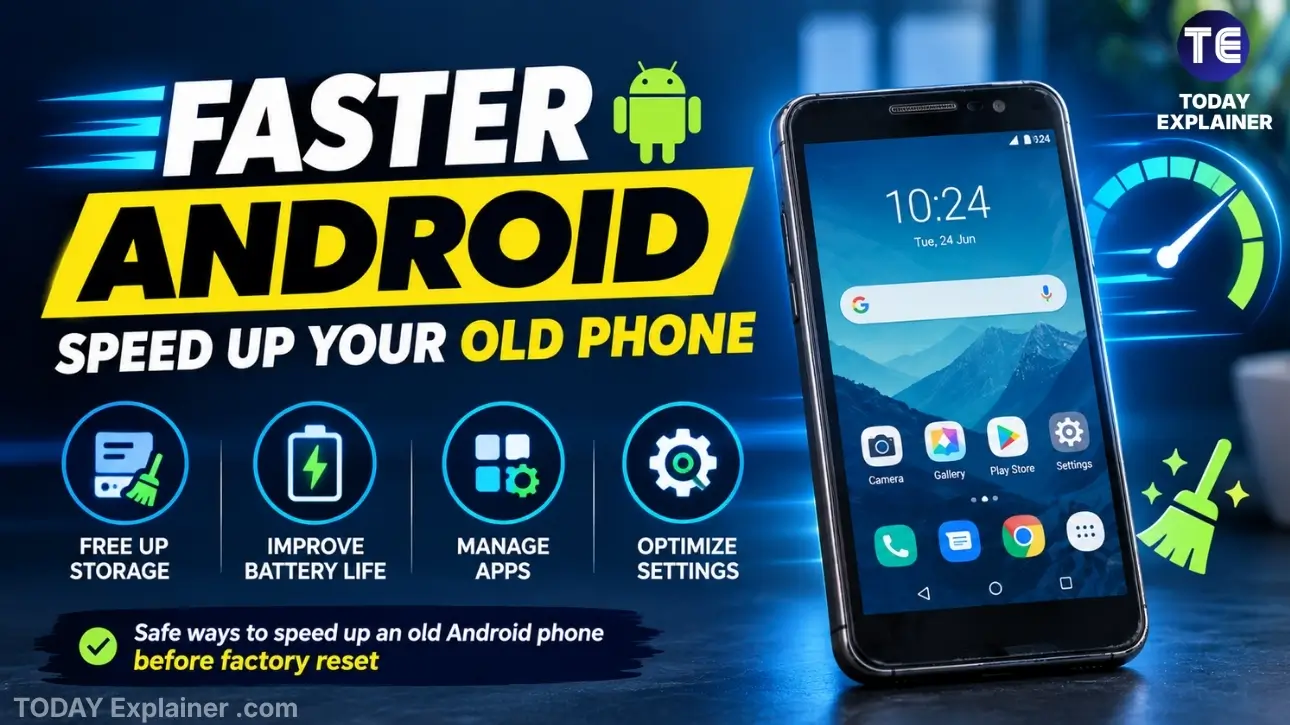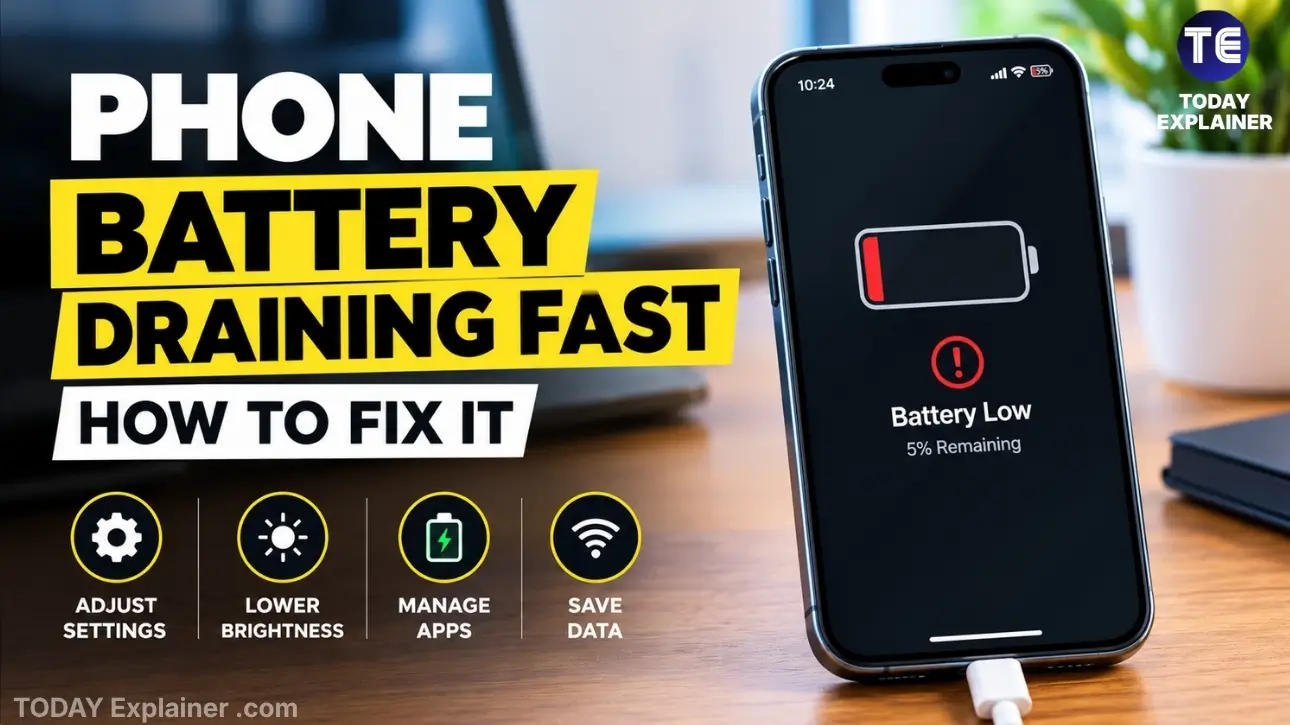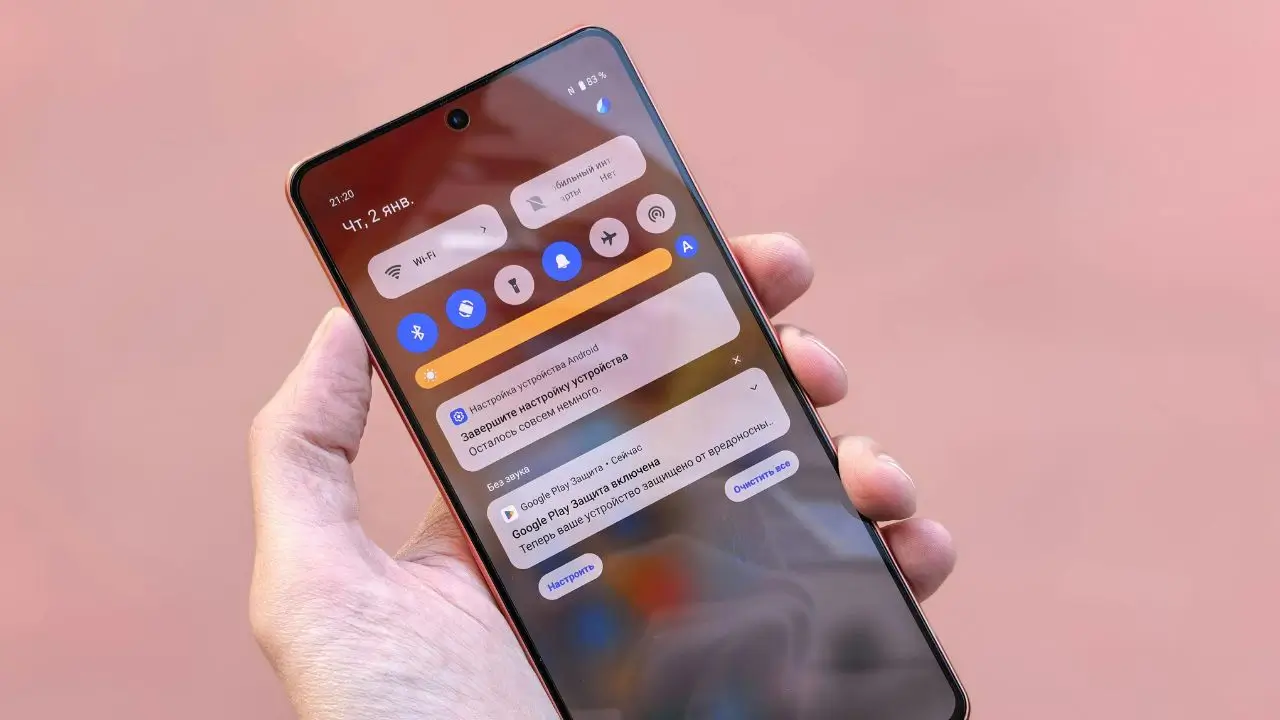
In 2026, smartphones are more powerful than ever, but they can still slow down due to cluttered storage, background apps, or inefficient settings. Luckily, there are plenty of free apps designed to help you optimize your device’s speed, battery life, and overall performance without spending a dime.
Whether you have an iPhone or Android, here’s a list of the top 10 free apps that can boost your smartphone performance and keep your device running smoothly throughout the year.
1. CCleaner
One of the most popular cleaning apps, CCleaner helps you clear junk files, cache, and residual data that slow down your phone.
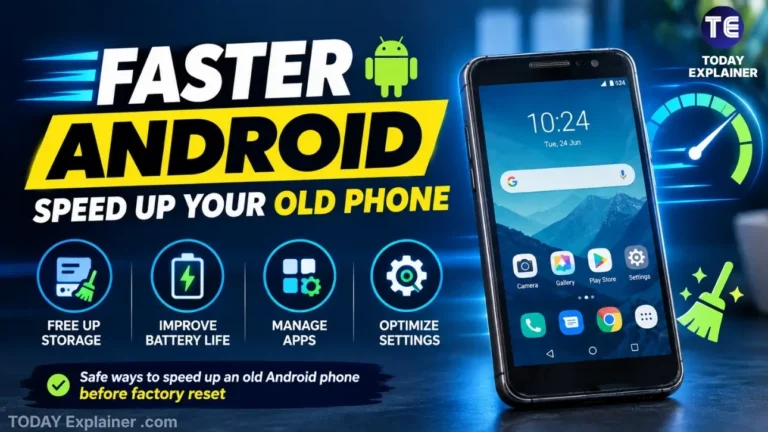
- Features include app cache cleaning, storage analysis, and duplicate file removal.
- Monitors CPU usage and battery status.
- Supports scheduled cleaning to automate performance boosts.
Why it’s great: Easy to use and effective for freeing up space.
2. Files by Google (Android Only)
Google’s Files app is a powerful file manager with built-in cleaning recommendations.
- Suggests deleting unused apps and large files.
- Helps find duplicate files and junk data.
- Offline file sharing with nearby devices.
- Built-in file organization features.
Why it’s great: Efficiently cleans and organizes files with Google’s trusted tools.
3. AVG Cleaner
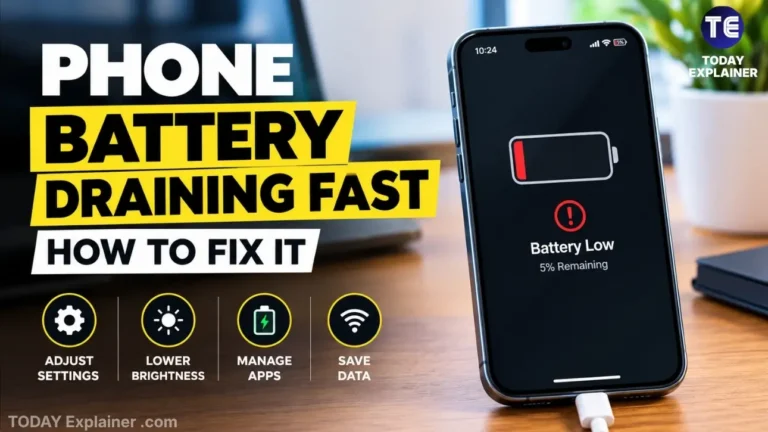
AVG Cleaner boosts performance by identifying resource-draining apps and cleaning unnecessary files.
- App hibernation to stop apps from running in the background.
- Junk cleaner and photo optimizer.
- Battery saver mode to extend usage time.
Why it’s great: Combines cleaning and battery optimization in one app.
4. Greenify (Android Only)
For Android users, Greenify helps put power-hungry apps to sleep when you’re not using them.
- Automatically hibernates apps that consume battery and resources.
- Improves battery life and speeds up your phone.
- Requires no root access on newer Android versions.
Why it’s great: Simple but powerful background app management.
5. Battery Doctor
Battery Doctor helps you monitor battery health and optimize charging habits.
- Provides tips for extending battery life.
- One-tap power saving modes.
- Battery usage monitoring by app.
Why it’s great: Easy way to keep your battery in top shape.
6. SD Maid (Android Only)
SD Maid is a powerful tool for cleaning your device’s storage.
- Finds and removes leftover files after app uninstallations.
- Cleans system logs and cache.
- File manager for browsing and managing files.
Why it’s great: Deep cleaning for Android devices.
7. Norton Clean
Norton Clean by the cybersecurity giant helps remove junk files and optimize your device.

- Clears cache, residual files, and temporary data.
- Helps identify rarely used apps for uninstallation.
- Optimizes storage space.
Why it’s great: Trusted brand with straightforward cleaning tools.
8. All-In-One Toolbox
This app is a complete toolkit for optimizing Android smartphones.
- Junk cleaner, memory booster, and app manager.
- CPU cooler to reduce overheating.
- File manager and batch installer/uninstaller.
Why it’s great: Combines many optimization tools into one app.
9. Google Photos
Beyond just a photo gallery, Google Photos helps free up space by backing up photos to the cloud and removing local copies.
- Unlimited cloud backup (with some quality limits).
- Smart suggestions for deleting blurry or duplicate photos.
- Easy organization and search features.
Why it’s great: Keeps your photo library optimized without losing memories.
10. CCleaner for iOS
While iOS restricts system cleaning apps, CCleaner for iOS offers useful tools like cache clearing for apps and storage analysis.
- Helps free up space by clearing cache in supported apps.
- Monitors device performance and storage.
- Simple and easy to use.
Why it’s great: One of the few cleaning tools available for iPhone users.
Tips for Maintaining Your Smartphone’s Performance
- Regularly restart your device to clear temporary glitches.
- Keep your apps and operating system updated.
- Avoid installing unnecessary apps that run in the background.
- Use built-in battery and storage optimization tools.
Conclusion
With these free apps, you can easily maintain and boost your smartphone’s performance in 2026. Whether it’s cleaning junk files, managing background apps, or optimizing battery life, these tools help extend your phone’s usability and speed — all without costing you a penny.
Try a few of these apps to see which ones work best for your device and habits!